
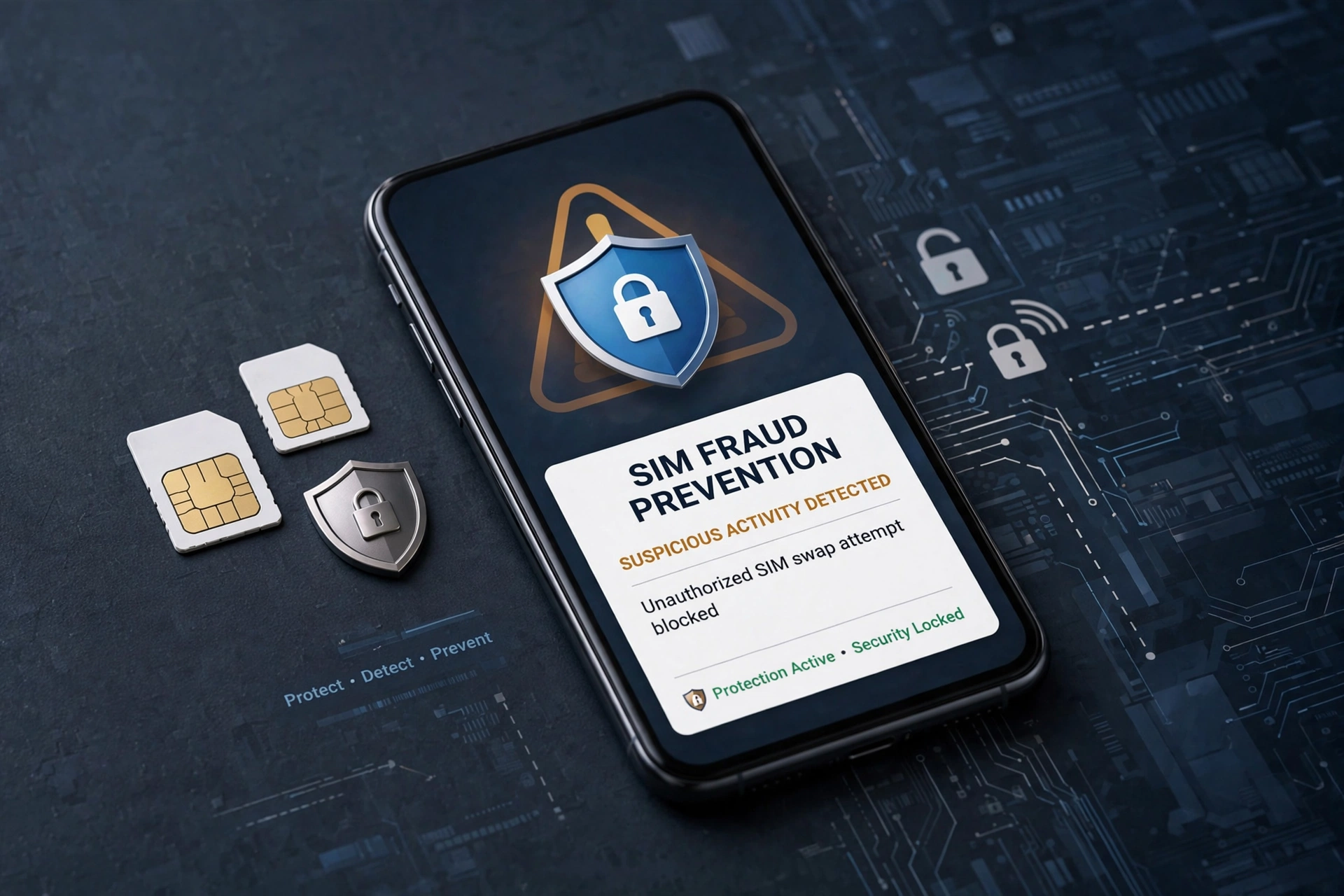
Your mobile number is now the key to your bank account, your email, your payment apps and much of your digital identity. That is exactly why criminals want control of it. SIM fraud — including SIM swapping and fraudulent connections issued in someone else’s name — does not start with hacking a bank. It starts with convincing a telecom system, or abusing identity documents, so that one-time passwords meant for you go to someone else.
Once that happens, the damage can move very fast. Passwords are reset, payment apps are registered on a new device, and money is moved before the real owner understands why their phone has suddenly lost signal. Understanding how the attack works, and acting in the first few minutes, makes a decisive difference.
How SIM Fraud Actually Works
In a classic SIM swap, criminals gather personal details from phishing messages, leaked databases, social media or fake customer-care calls. They then use forged or misused identity documents to request a duplicate SIM, or persuade a victim to share a code or visit a fraudulent link. When the new SIM activates, the old SIM loses network access and calls, texts and OTPs go to the attacker.
A second, quieter form of fraud involves connections issued in your name without your knowledge. A recent Department of Telecommunications warning, reported by Gadgets 360, described a point-of-sale agent who allegedly activated 25 connections using citizens’ documents without consent. The department warned that fraudulent issuance and misuse can attract penalties under the Telecommunications Act, 2023, and urged people to check numbers linked to their identity. CNBC-TV18 reported the same advisory, including the advice not to lend, rent or transfer SIMs issued in your name.
Warning Signs You Should Never Ignore
Sudden loss of signal
If your phone shows “No Service” for a prolonged period while others on the same network have signal, treat it as urgent — especially if it is followed by password-reset emails or banking alerts you did not request.
Unexpected KYC or customer-care contact
Messages urging you to “complete KYC immediately”, share an OTP, install an app or click a link to keep your number active are a common lure. Your operator, bank and government departments will not ask for OTPs or PINs this way.
Alerts you did not trigger
Login alerts, UPI device changes, email password resets and transaction notifications you do not recognise are not minor glitches. They can be the visible edge of an account takeover already in progress.
Check Connections Issued in Your Name
Make this a regular habit, not a one-time check. Use the government’s Sanchar Saathi services and the TAFCOP facility to view mobile connections issued against your identity, and report any number you do not recognise or no longer need. If you find an unknown connection, report it through that portal and contact your operator immediately — a connection in your name that is misused by someone else can create legal and financial trouble for you.
Keep your own list as well: every SIM in your phone, data card, tablet and family plan, and who actually uses it. Never lend a SIM registered to you to another person, and never buy a connection using someone else’s documents or sell one issued to you.
For more practical guidance on staying safe online, see our recent coverage here on the site.
Secure the Accounts Behind the Number
Prefer authenticator apps over SMS OTPs
Wherever a service offers an authenticator app or a hardware-backed passkey, use it instead of SMS. An authenticator code stays on your device and does not travel through the telecom network, so a SIM swap alone cannot steal it. Keep backup codes in a secure place offline.
Set strong, separate PINs
Use a SIM PIN so a stolen SIM cannot simply be placed in another phone, a separate PIN or password for your banking and UPI apps, and a strong, unique password for your primary email — because email is usually the master key for resetting everything else. Enable biometric locking where available, but never reuse the same PIN across services.
Turn on operator and bank alerts
Enable transaction alerts by email as well as SMS, SIM-change and device-change notifications from your bank, and login alerts from your email and social accounts. Email alerts matter because they still reach you even if your number has been taken over.
If You Suspect a Swap, Act in Minutes
Call your operator from another phone and ask for the SIM to be blocked or frozen. Call your bank’s official number — from its website or the back of your card, never from a message you received — and ask for digital transactions to be blocked. Change your email password from a trusted device, revoke active sessions, and then work through banking, payment and social accounts. Report the incident on the national cybercrime portal and keep screenshots, times and reference numbers.
SIM fraud succeeds on delay and confusion. A monthly check of connections in your name, authenticator-based 2FA, separate PINs and immediate action when signal disappears turn a potentially devastating attack into a problem you can stop early. Also read our other recent article for related digital-safety context.
1 thought on “How to Spot and Stop SIM Fraud Before Criminals Drain Your Accounts”